
Fill every cancelled slot, automatically
An intelligent waitlist and backfill system that turns cancellations into opportunities instead of lost revenue.
When a patient cancels, most practices lose that slot's revenue unless the front desk happens to remember who wanted an earlier appointment and can reach them in time. Appointment Accelerator maintains a live waitlist of patients who want earlier openings. The moment a slot opens up, the system notifies eligible waitlisted patients automatically. The first patient to accept gets the slot, and the calendar updates in real time. For urgent cases, your staff can prioritize certain patients on the waitlist so they get first notification. The result is fewer empty slots on your schedule and patients who get in sooner when they need to.
How it works
What Appointment Accelerator does for your practice
Real-Time Waitlist
Patients can add themselves to the waitlist through the patient portal, specifying which days and times work for them and which providers they are willing to see. Your front desk can also add patients to the waitlist during a phone call. The list stays current because patients who book a regular appointment are automatically removed, and those whose preferred window has passed are cleaned up without manual effort.
Automatic Backfill on Cancellations
When a patient cancels or reschedules, the system immediately checks the waitlist for patients whose preferences match the newly open slot. It sends a notification, typically via text, to the top candidates. The first patient who confirms gets the appointment. If no one responds within a time window you set, the slot is released for general booking. The entire process happens without your front desk lifting a finger.
Patient Self-Service Waitlist Portal
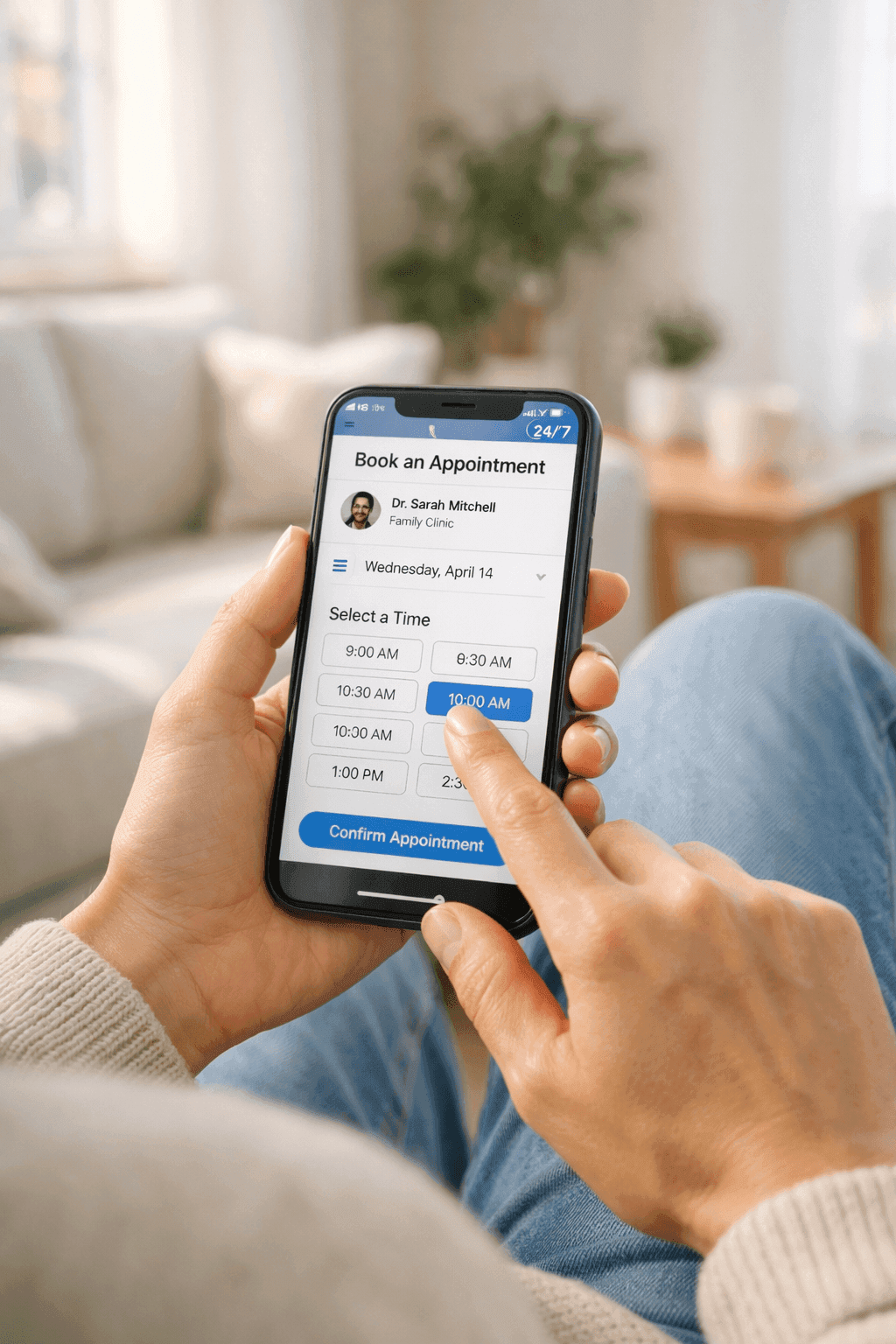
Patients do not need to call your office to get on the waitlist. From their phone or computer, they select their appointment type, indicate their availability windows, and choose whether they want any available provider or a specific one. They receive a confirmation that they are on the list and get notified as soon as a matching slot opens up. This removes the friction that keeps many patients from even asking about earlier availability.
Priority Booking for Urgent Cases
Your staff can flag certain waitlist entries as high priority, like a patient whose lab results came back abnormal and needs to be seen within the week. When a matching slot opens, priority patients get notified first, before anyone else on the list. This ensures that clinical urgency is respected while still filling the schedule efficiently for routine cases.
Real scenarios
See Appointment Accelerator in action
Filling a cancelled afternoon slot within minutes
A patient calls at 11am to cancel their 2pm appointment with Dr. Rivera. Normally, the front desk would scroll through a mental list of patients who mentioned wanting an earlier time and start making calls. More often than not, the slot stays empty because there is not enough time to reach someone.
The system immediately texts three waitlisted patients who indicated they can come in today. Within eight minutes, one confirms the 2pm slot. The calendar updates, and Dr. Rivera's afternoon stays fully booked.
Patient joining the waitlist for an earlier opening
A patient books a follow-up for three weeks out because that is the first available slot. But they would prefer to come in sooner if something opens up. In the past, they would have called every few days to check, tying up your phone line each time.
The patient adds themselves to the waitlist from the booking confirmation page, indicating they can come any weekday morning. A week later, a morning slot opens and they receive a text. They confirm with a single tap and their original appointment is automatically cancelled.
Managing same-day urgent requests
A parent calls because their child woke up with a high fever and they need to be seen today. The schedule looks full, but cancellations happen throughout the day, especially in the afternoon. The front desk does not want to promise a slot they do not have yet.
The front desk adds the child as a high-priority waitlist entry for today. When a 1:30pm cancellation comes in, the parent is the first to be notified and confirms immediately. The child is seen that afternoon without the practice having to overbook or turn the family away.
Common questions
Questions about Appointment Accelerator
How quickly are waitlisted patients notified when a slot opens?
Notifications go out within seconds of a cancellation being processed. The system checks the waitlist in real time, matches patient preferences against the open slot, and sends a text or email immediately. Patients typically receive the notification within a minute. You can set a response window, say 30 minutes or an hour, after which the slot is offered to the next eligible patient or released for general booking.
What if multiple waitlisted patients want the same slot?
The system notifies patients in order based on when they joined the waitlist, with priority-flagged patients going first regardless of when they were added. The first patient to confirm gets the slot. If you prefer a different approach, such as notifying all matching patients simultaneously and giving the slot to whoever responds first, that is configurable as well. Either way, only one patient ends up booked into the slot, and the others remain on the waitlist for the next opening.
Can patients remove themselves from the waitlist?
Patients can manage their waitlist status through the same portal they used to join it. They can update their availability preferences, change their preferred provider, or remove themselves entirely. If a patient books a regular appointment while they are on the waitlist, the system automatically removes them so they do not receive unnecessary notifications. Your front desk also has full visibility into the waitlist and can make adjustments on behalf of patients who call in.